Skip to main content
How to connect with Lokalee?
Steps on Hostaway
- Go to Hostaway Dashboard
- Click on Marketplace within the Dashboard
- Search for Lokalee and click on the Connect button
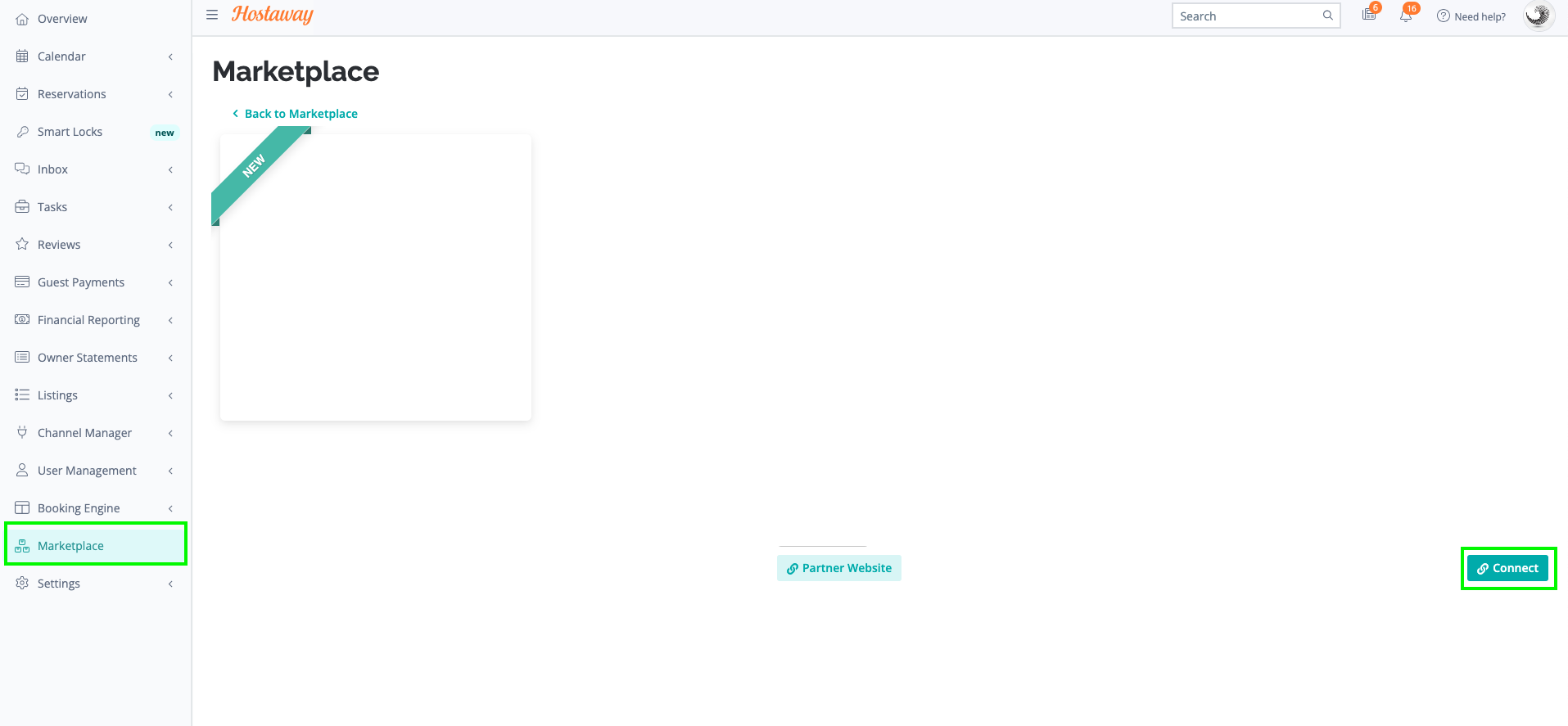
- A small box will appear > Click on "Create"
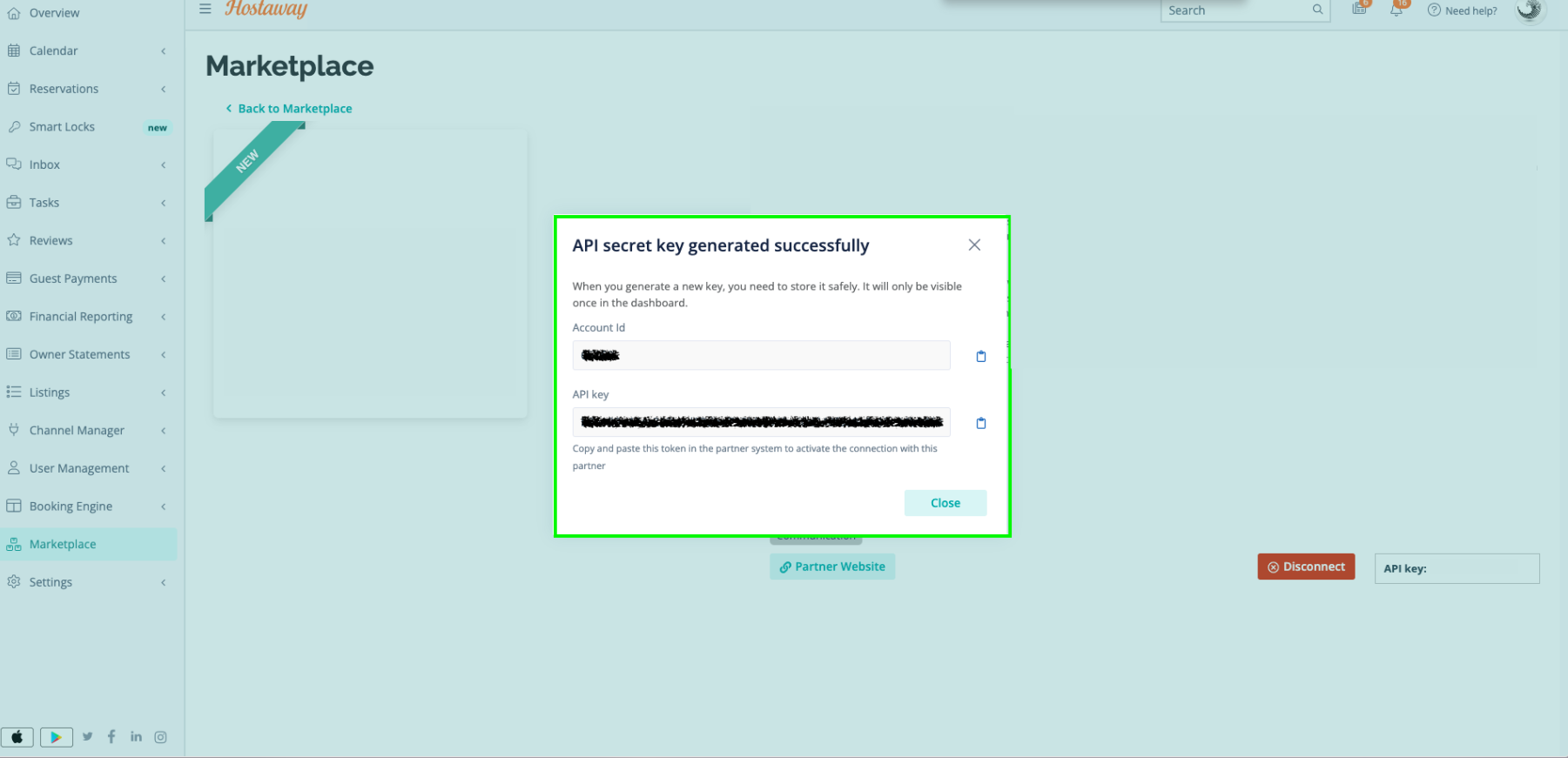
- The Account ID and the API Key will be presented in a new window
- Copy your Account ID and API Key and keep them somewhere safe for later
Steps on Lokalee
- Share the AccountId & API key with the “Customer Success Manager” at Lokalee, named Marcus Radwan (marcus.radwan@lokalee.app)
