
Connect solves calendar lock-off and pricing for grandparent-parent-child, package listings, and other complex inventory, and Operations is the smart checkout sign with instant alerts, cleaner tips and payouts, check-in upsells, and more.
TurnClick builds systems for high-performance hospitality. Its two products work alongside Hostaway to save time, increase profitability, and improve guest satisfaction.
TurnClick Operations turns guest departures into action. Guests tap an NFC sign to confirm checkout, notify staff, and trigger cleaner dispatch. A customizable landing page collects reviews and cleaner tips and drives direct rebookings. Cleaners tap to track cleanings, view checklists, and trigger early check-in offers when a property is ready. Signs install in minutes with no wiring or Wi-Fi required.
TurnClick Connect keeps overlapping inventory in sync across listings, units, and PMS accounts. Create one-way or two-way lock-off rules to prevent conflicting bookings, add cleaning buffers, and mirror pricing from source listings. Manage individual units, combined listings, and multilevel property hierarchies—from rooms to suites to entire buildings—in one workflow.
Steps on Hostaway
- Go to the Hostaway Dashboard
- Click on Marketplace within the dashboard
- Search for TurnClick and click Connect
- Click Create API Key to generate your API credentials
- Copy your Account ID and Secret Key
⚠️ The secret key is shown only once — save it somewhere safe.
Steps on TurnClick
- Sign in to TurnClick and confirm you are in the organization that should receive the Hostaway listings. Open Settings → Integrations, then choose Add Integration.
- The same Integrations screen is available from Operations and Connect. If Hostaway is already listed, check that connection before adding another.
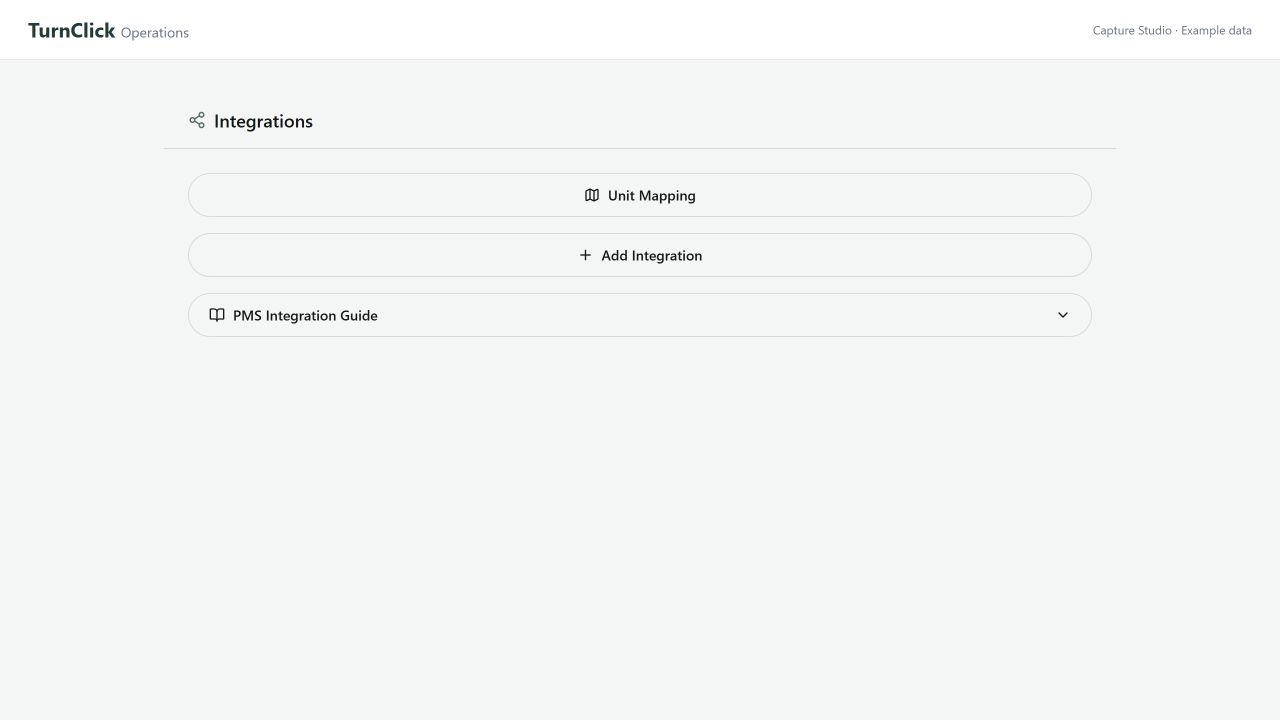
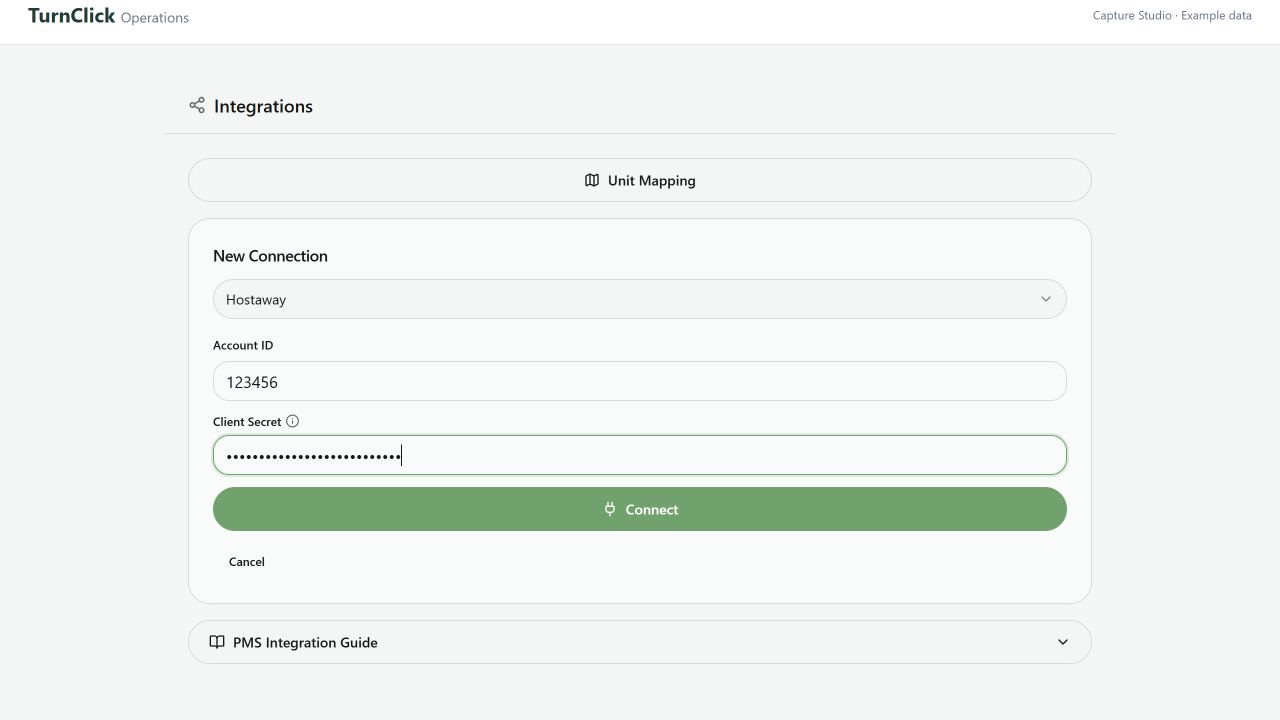
- Select Hostaway under Select a Software…. Enter the Account ID and key you copied, then choose Connect.
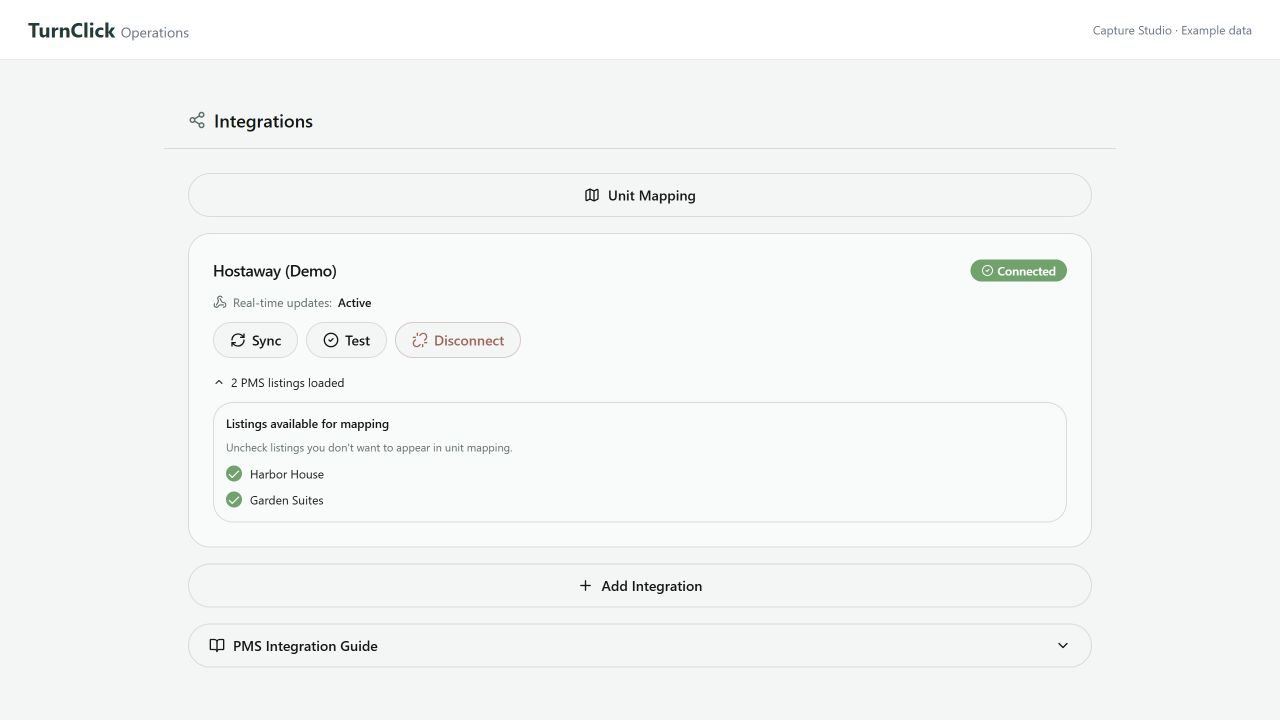
- The Hostaway card should show Connected. TurnClick also attempts to register Hostaway’s webhook automatically so reservation changes can reach TurnClick.
- Choose Test, then check Real-time updates: Active. If the webhook is inactive, Test also attempts to repair the registration. Resolve any reported error before relying on ongoing updates.
- Before enabling live availability or pricing automation, use an agreed test listing and dates to verify an update and its result in Hostaway. A successful import alone does not confirm that calendar or pricing writes reach every booking channel.