Bizdesire offers a WordPress plugin, Advanced Connector Pro for Hostaway, that connects WordPress websites with Hostaway to display property listings, availability, rates, and booking information.
Bizdesire offers a WordPress plugin, Advanced Connector Pro for Hostaway, built for vacation rental businesses that want to connect their WordPress website with Hostaway. The plugin allows Hostaway customers to connect their Hostaway account to their existing WordPress website, automatically syncing property information, availability and rates, while enabling guests to book directly through the website.
Advanced Connector Pro for Hostaway supports property listings, property details, images, amenities, availability, rates, calendars, and booking information. The plugin also provides property search, filters, Google Maps integration, and direct booking functionality.
The plugin is designed to work with existing WordPress websites without requiring a separate third-party application to manage the website experience. Property managers can manage their WordPress website and Hostaway-connected functionality from the WordPress environment.
Steps on Hostaway
- Go to the Hostaway Dashboard
- Click on Marketplace within the dashboard
- Search for Bizdesire and click Connect
- Click Create to generate your API credentials
- Copy your Account ID and Secret Key
⚠️ The secret key is shown only once — save it somewhere safe.
Steps on Bizdesire
Install the plugin
- WordPress → Plugins → Add New
- Search Bizdesire Advanced Connector for Hostaway, or upload the ZIP
- Install, then Activate
A Hostaway menu appears. The plugin also creates Properties, Search, Checkout, and Thank You pages.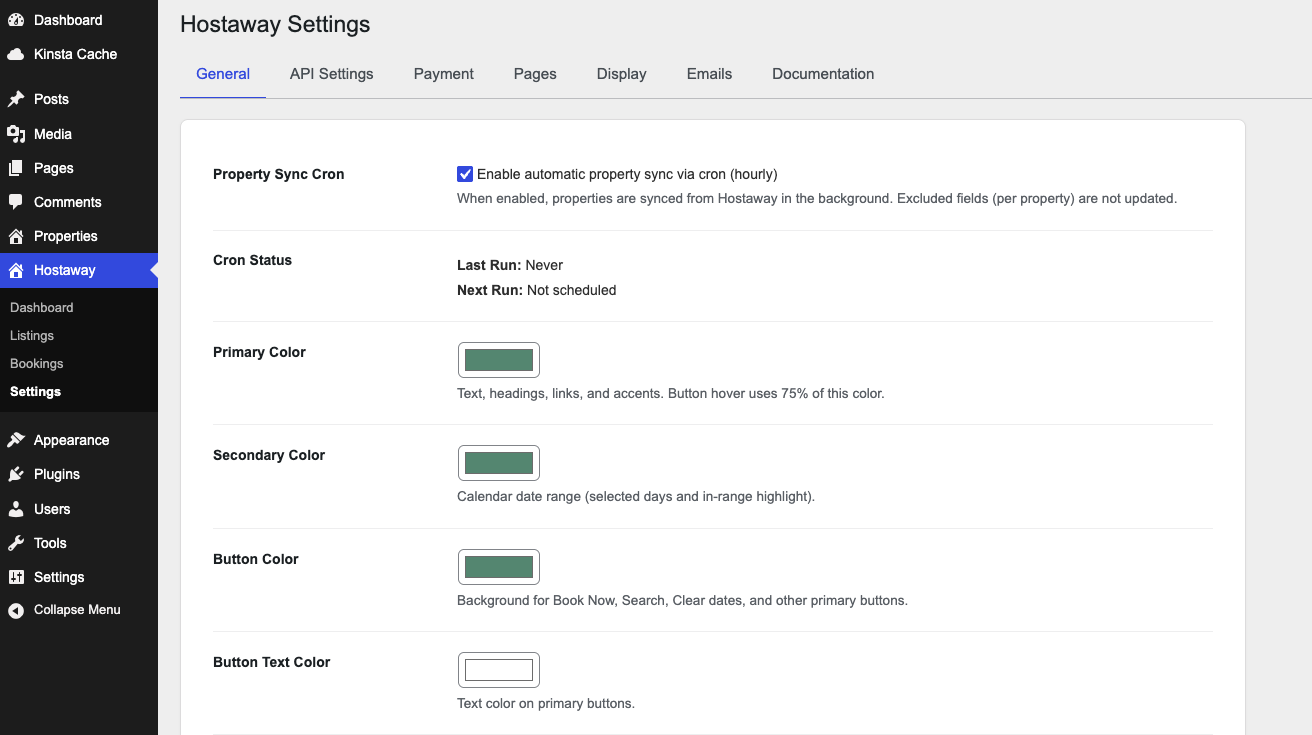
Connect and test
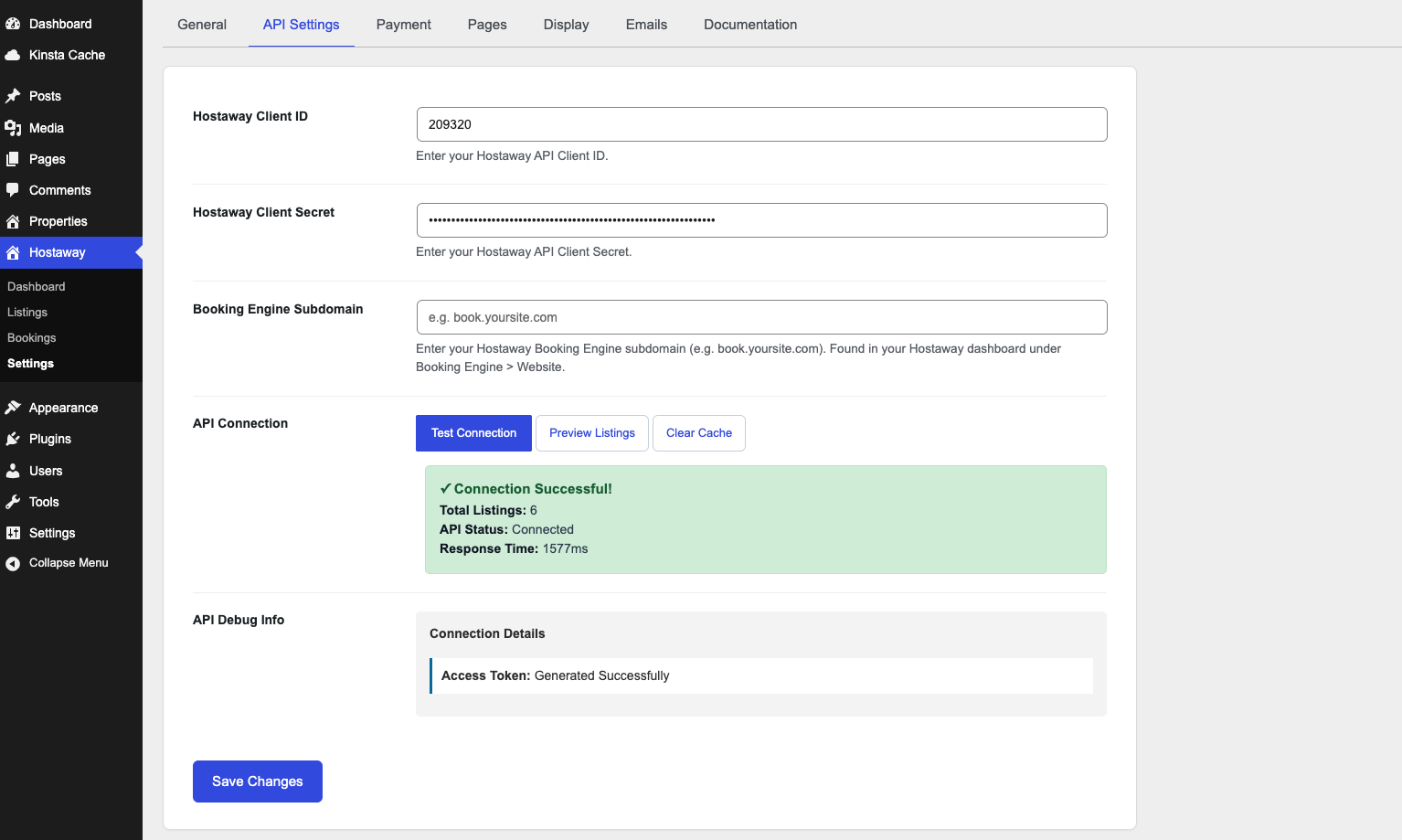
Open Hostaway → Settings → API Settings. Paste your Account ID and API key from Bizdesire, click Save Changes, then use the buttons below.
- Hostaway Client ID: Account ID from Marketplace → Bizdesire → Create API Key.
- Hostaway Client Secret: API key from the same Hostaway panel. Treat it like a password.
-
Booking Engine Subdomain: Optional. The Hostaway Booking Engine hostname (for example
book.yoursite.com), from Hostaway → Booking Engine → Website. - Test Connection: Checks that the keys work and shows listing count and API status.
- Preview Listings: Shows listing names from Hostaway without importing them yet.
- Clear Cache: Drops cached Hostaway API data so the next request is fresh.