
Steps on Hostaway
- Go to Hostaway Dashboard
- Click on Marketplace within the Dashboard
- Search for Guestar and click on the Connect button
- A small box will appear > Click on "Create"
- The Account ID and the API Key will be presented in a new window
- Copy your Account ID and API Key and keep them somewhere safe for later
Steps on Guestar
-
Signing Up
- Create an account at app.guestar.ai.
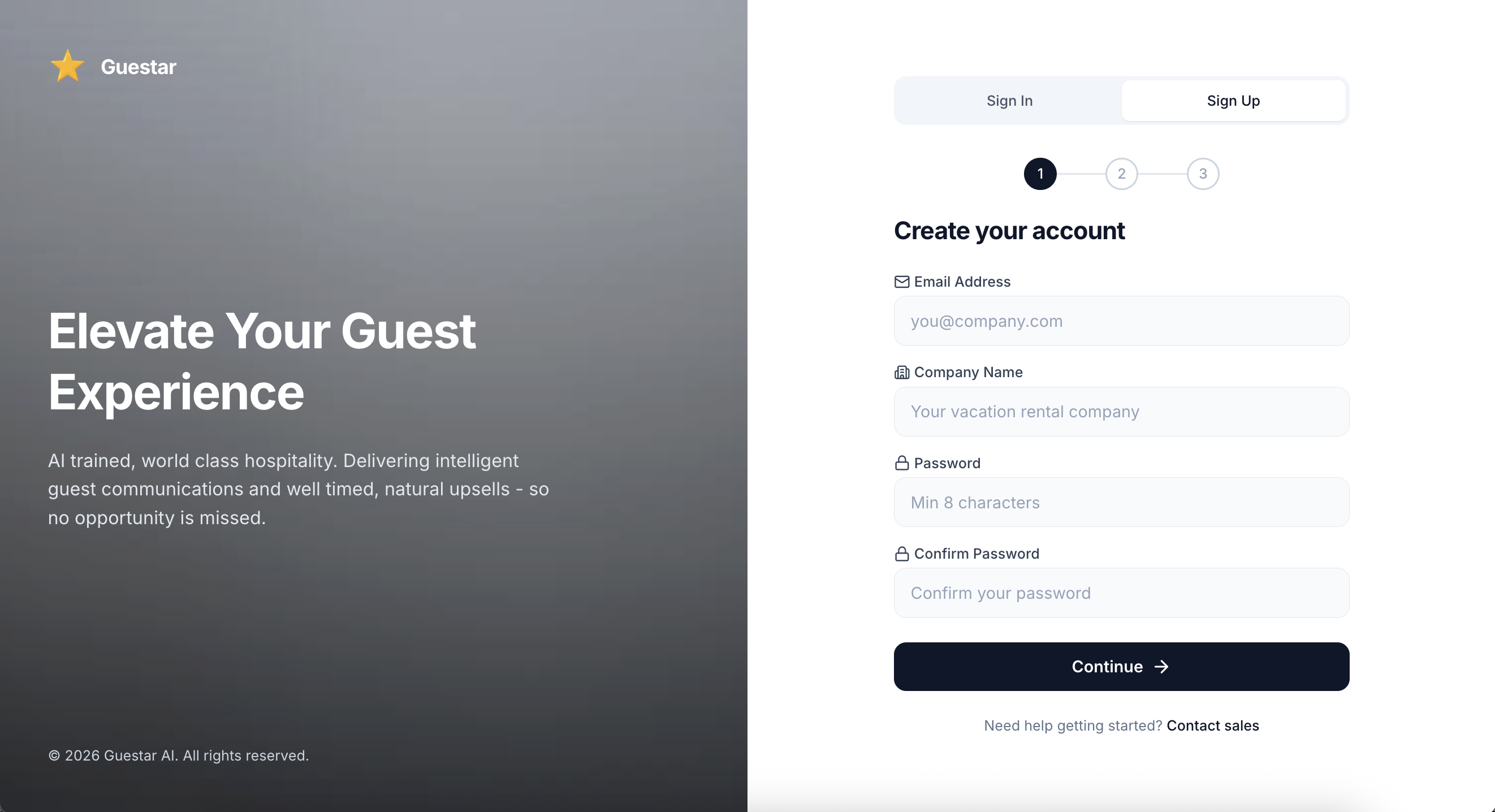
- Create an account at app.guestar.ai.
-
Copy and paste Hosyaway API credentials into the Guestar sign-up form and click Test Connection.
- Select your preferred timezone and currency.
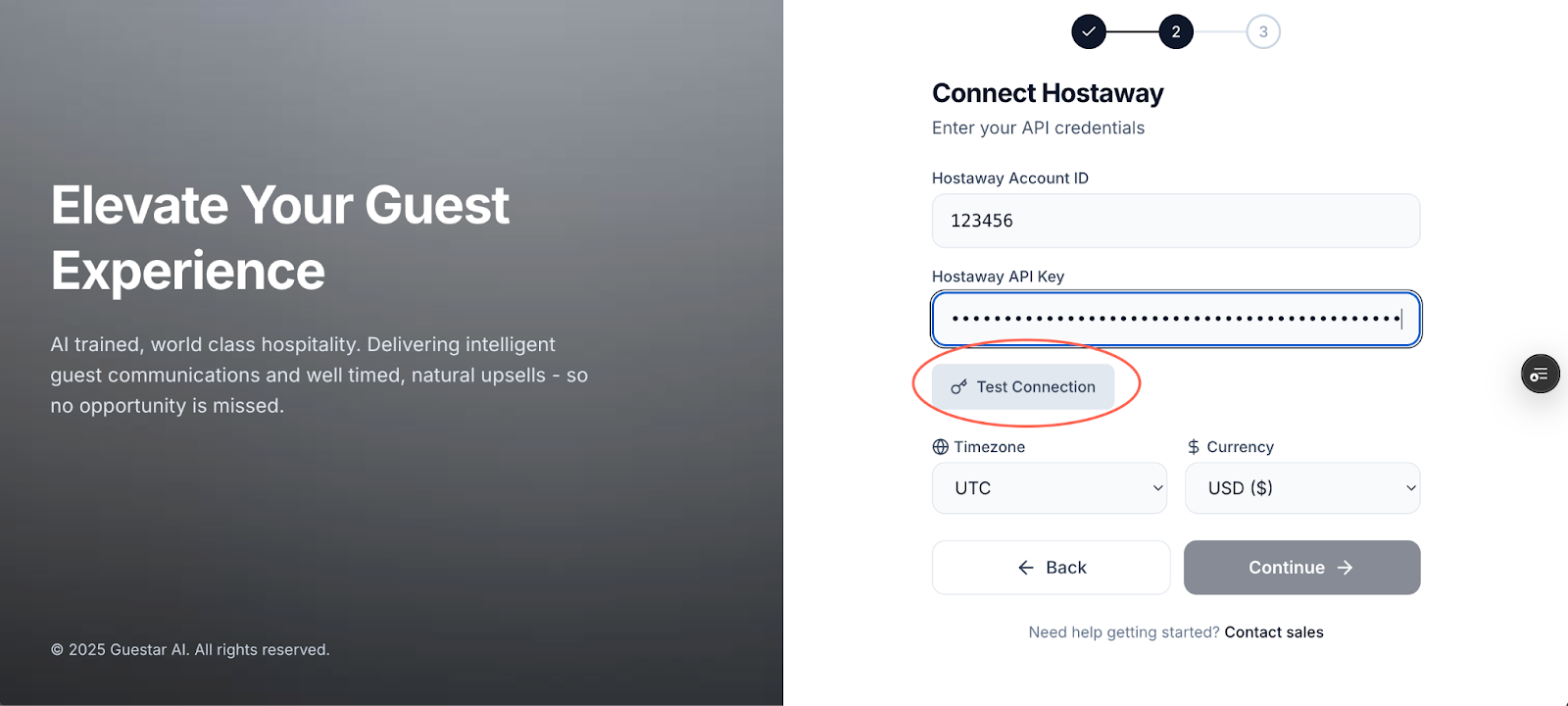
- Select your preferred timezone and currency.
-
Signing In
- Navigate to app.guestar.ai and enter your credentials to access your dashboard.
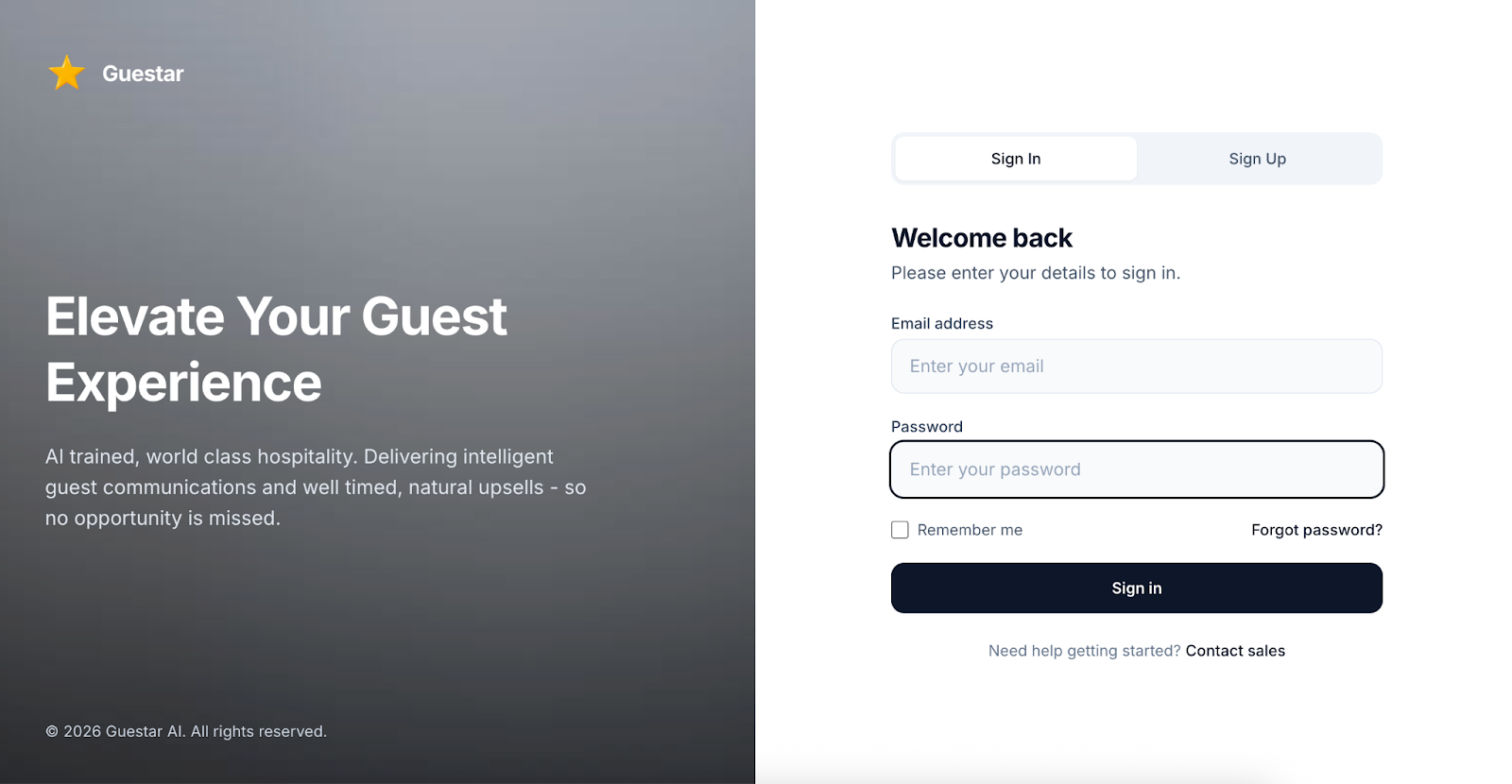
- Navigate to app.guestar.ai and enter your credentials to access your dashboard.
- Set your property info
- And you're set!
For additional information and details, please check their user guide.