Skip to main content
How to connect with Epicurate?
Steps on Hostaway
- Go to Hostaway Dashboard
- Click on Marketplace within the Dashboard
- Search for Epicurate and click on the Connect button
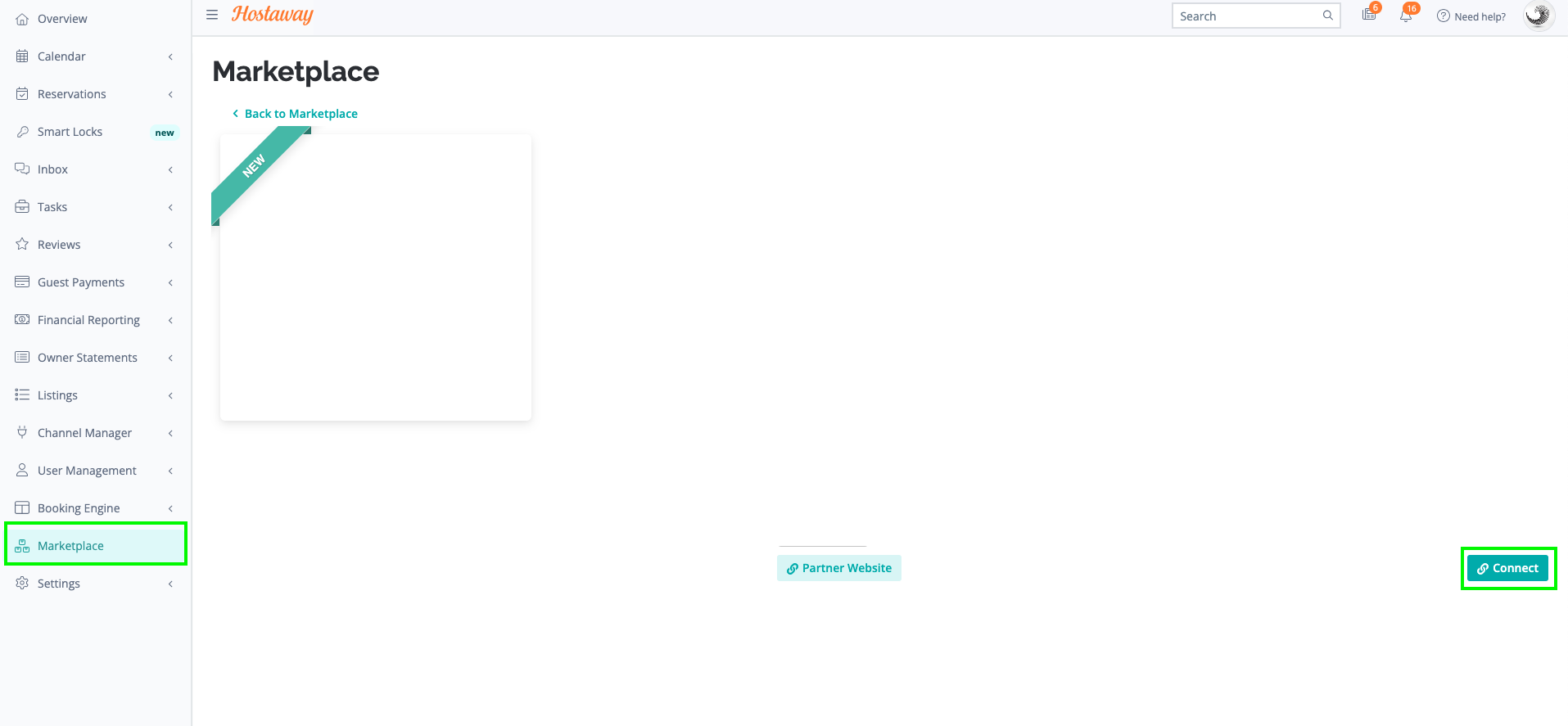
- A small box will appear > Click on "Create"
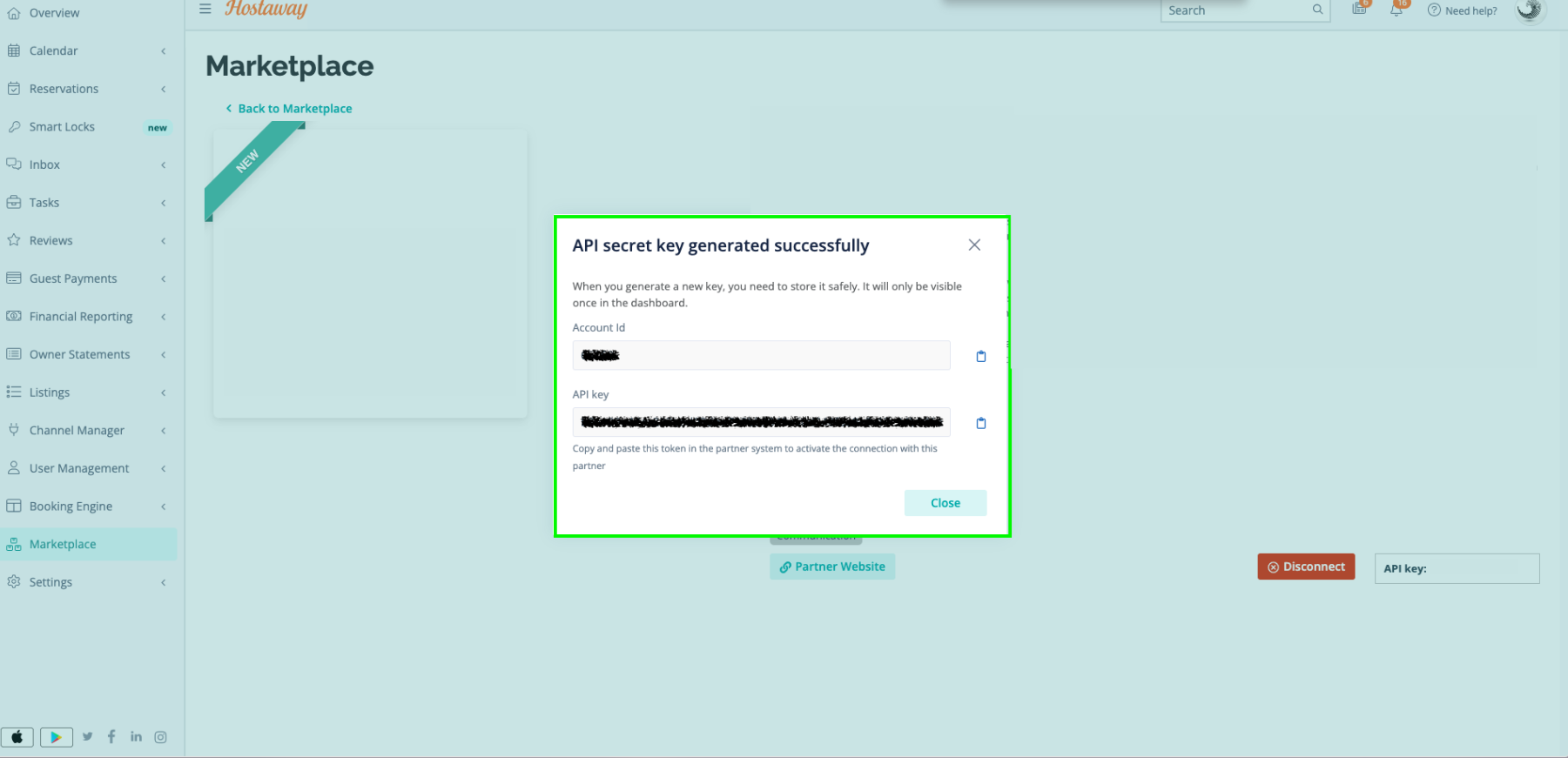
- The Account ID and the API Key will be presented in a new window
- Copy your Account ID and API Key and keep them somewhere safe for later
Steps on Epicurate
- Create Your Epicurate Account
- Fill out the quick form here
- Our team will contact you within 48 hours
- Learn more about Epicurate here
- Epicurate creates your account & shares setup details
- Email the Account ID and the API Key to concierge@epicurate.vip
