Steps on Hostaway
- Go to Hostaway Dashboard
- Click on Marketplace within the Dashboard
- Search for Good To Book and click on the Connect button
- A small box will appear > Click on "Create"
- The Account ID and the API Key will be presented in a new window
- Copy your Account ID and API Key and keep them somewhere safe for later
Steps on Good To Book
- Sign Up or Log In
- New to Good to Book? Sign up here
- Already a member? Log in here
- Once logged in:
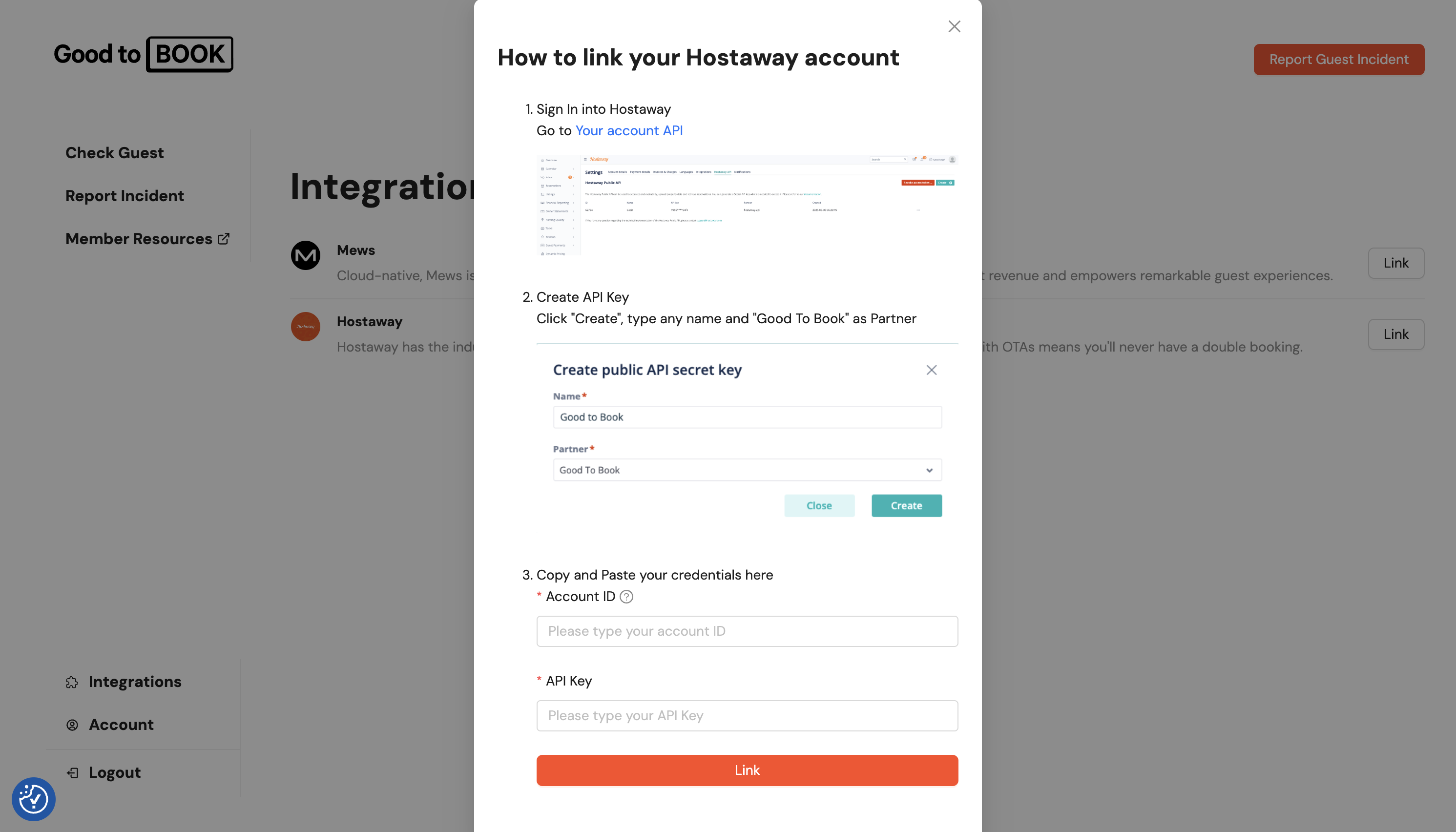
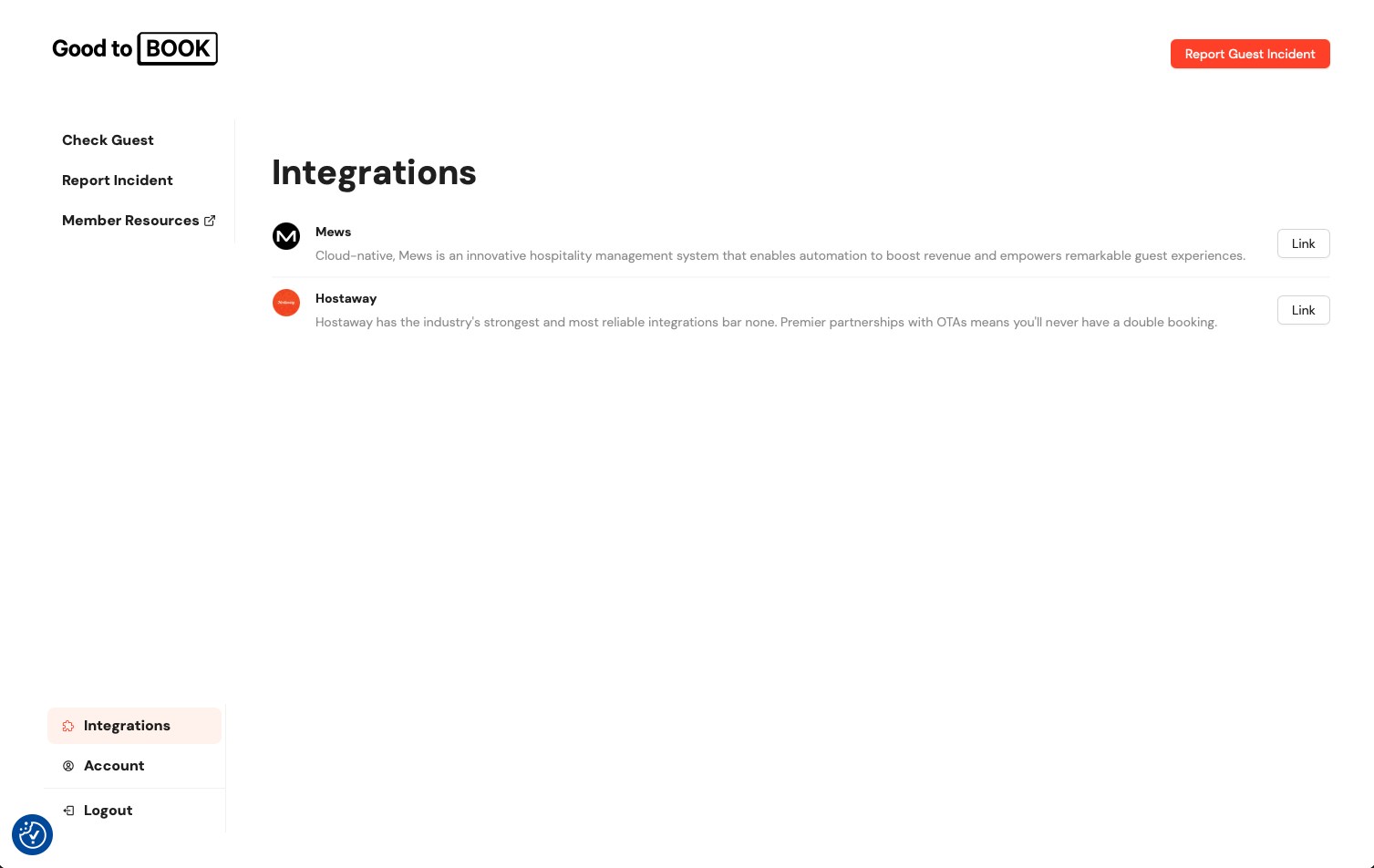
- Go to your Integrations page in Good to Book
- Find the Hostaway integration and click Link
- Follow the on-screen instructions
Connect Hostaway to Good to Book
- In Good to Book, enter your Hostaway Account ID and API Key.
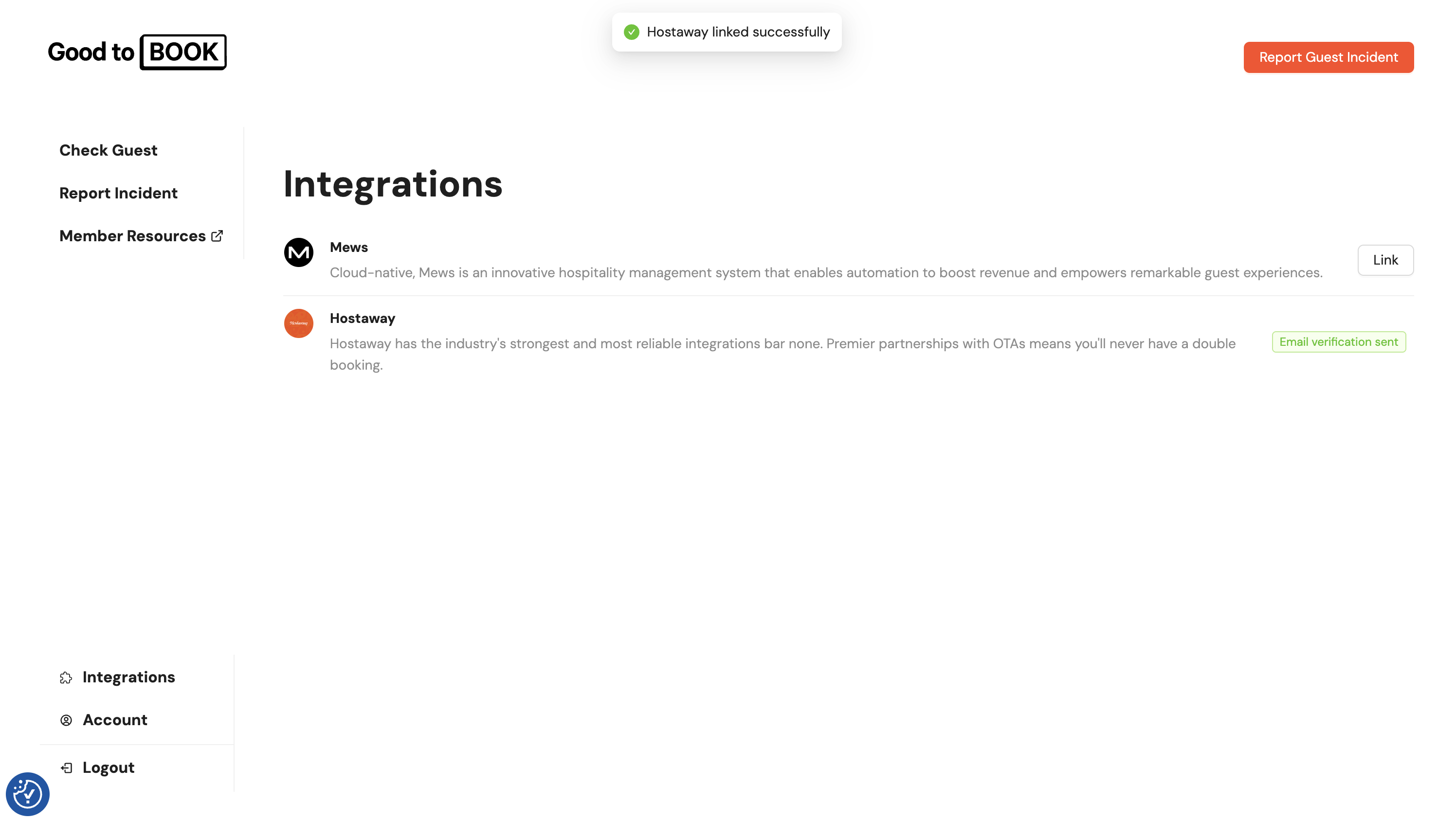
- Click Link.
- If entered correctly, you’ll see a Successful Integration message. You’ll also receive a welcome email confirming the connection.