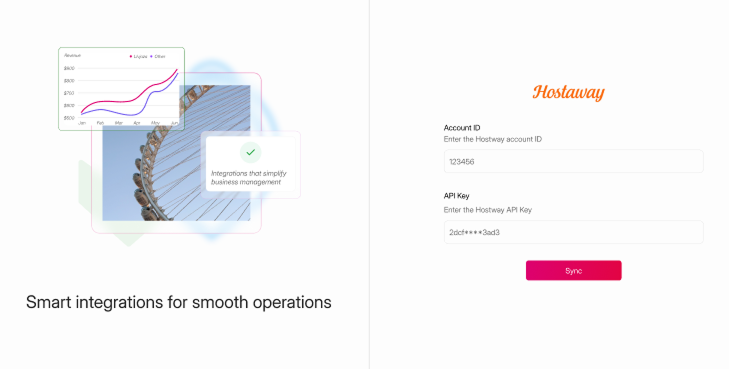
Steps on Hostaway
- Go to Hostaway Dashboard
- Click on Marketplace within the Dashboard
- Search for Livjaza and click on the Connect button
- A small box will appear > Click on "Create"
- The Account ID and the API Key will be presented in a new window
- Copy your Account ID and API Key and keep them somewhere safe for later
Steps on Livjaza
- Log in to Livjaza and switch to hosting
- Click on the menu on the top right and select Switch to hosting
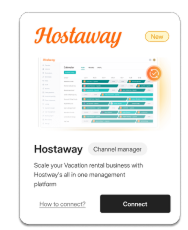
- On this integrations page, find Hostaway's listing and click "Connect"
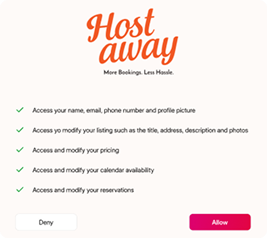
- Review the data that will be synchronized between Livjaza and Hostaway and click "Allow"
- Enter your API key from Hostaway
- Paste the earlier copied Account ID and API key from Hostaway into the designated fields and sync