
Steps on Hostaway
- Go to Hostaway Dashboard
- Click on Marketplace within the Dashboard
- Search for Strly and click on the Connect button
- A small box will appear > Click on "Create"
- The Account ID and the API Key will be presented in a new window
- Copy your Account ID and API Key and keep it somewhere safe for later
Steps on Strly
- Log in to your Strly Host Dashboard
- Navigate to the settings page
- Choose "Hostaway" from the dropdown menu
- Paste your API Key and Account ID that you created in Hostaway
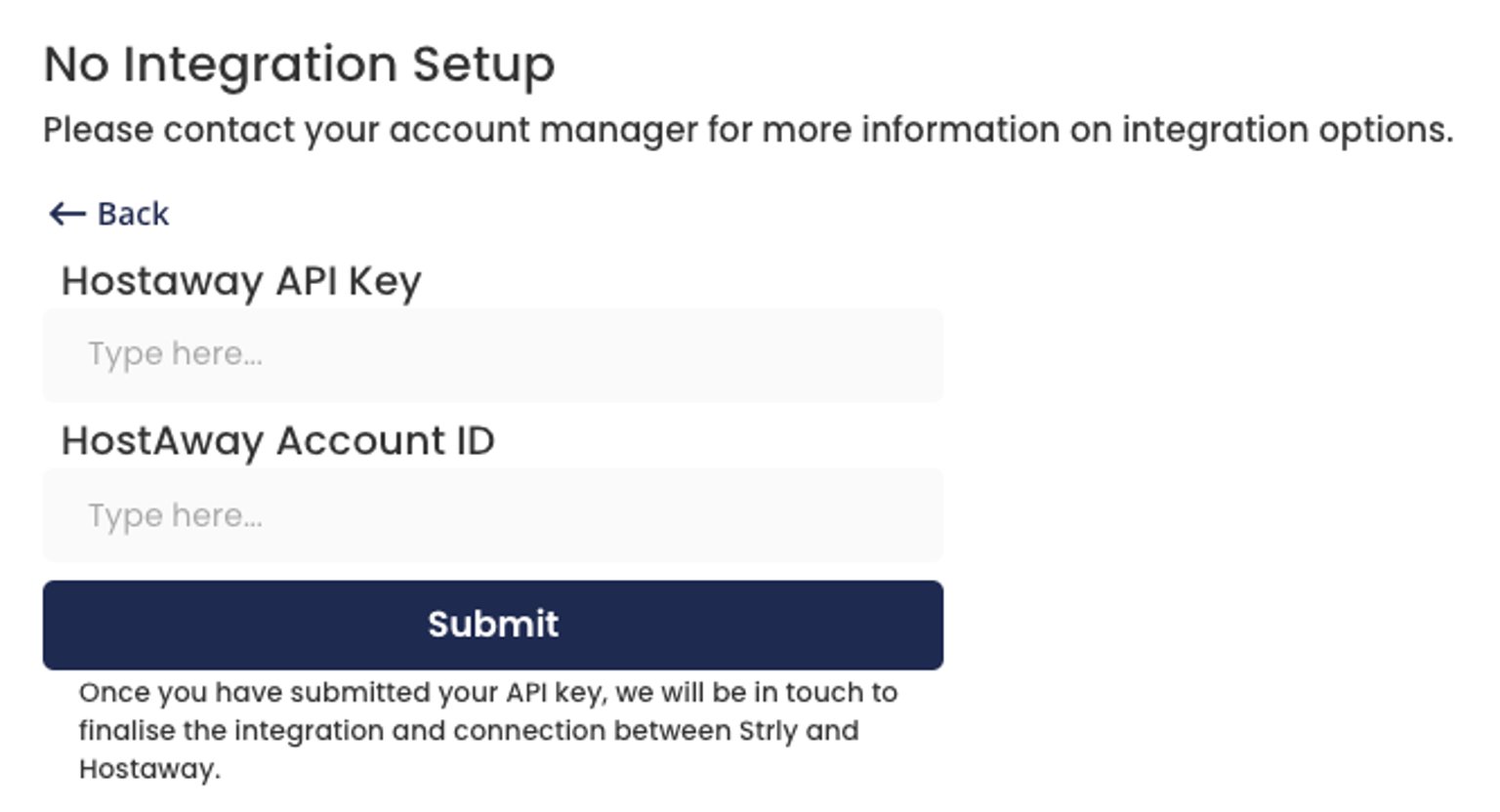
- Click "Submit"
Once you have connected your account, we will be in touch to finalize the integration and connection between Strly and Hostaway.
If you have any questions, please email onboarding@strly.com