
Steps on Hostaway
- Go to Hostaway Dashboard
- Click on Marketplace within the Dashboard
- Search for Quibble and click on the Connect button
- A small box will appear > Click on "Create"
- The Account ID and the API Key will be presented in a new window
- Copy your Account ID and API Key and keep it somewhere safe for later
Steps on Quibble
- Go to Quibble.
- Register your account
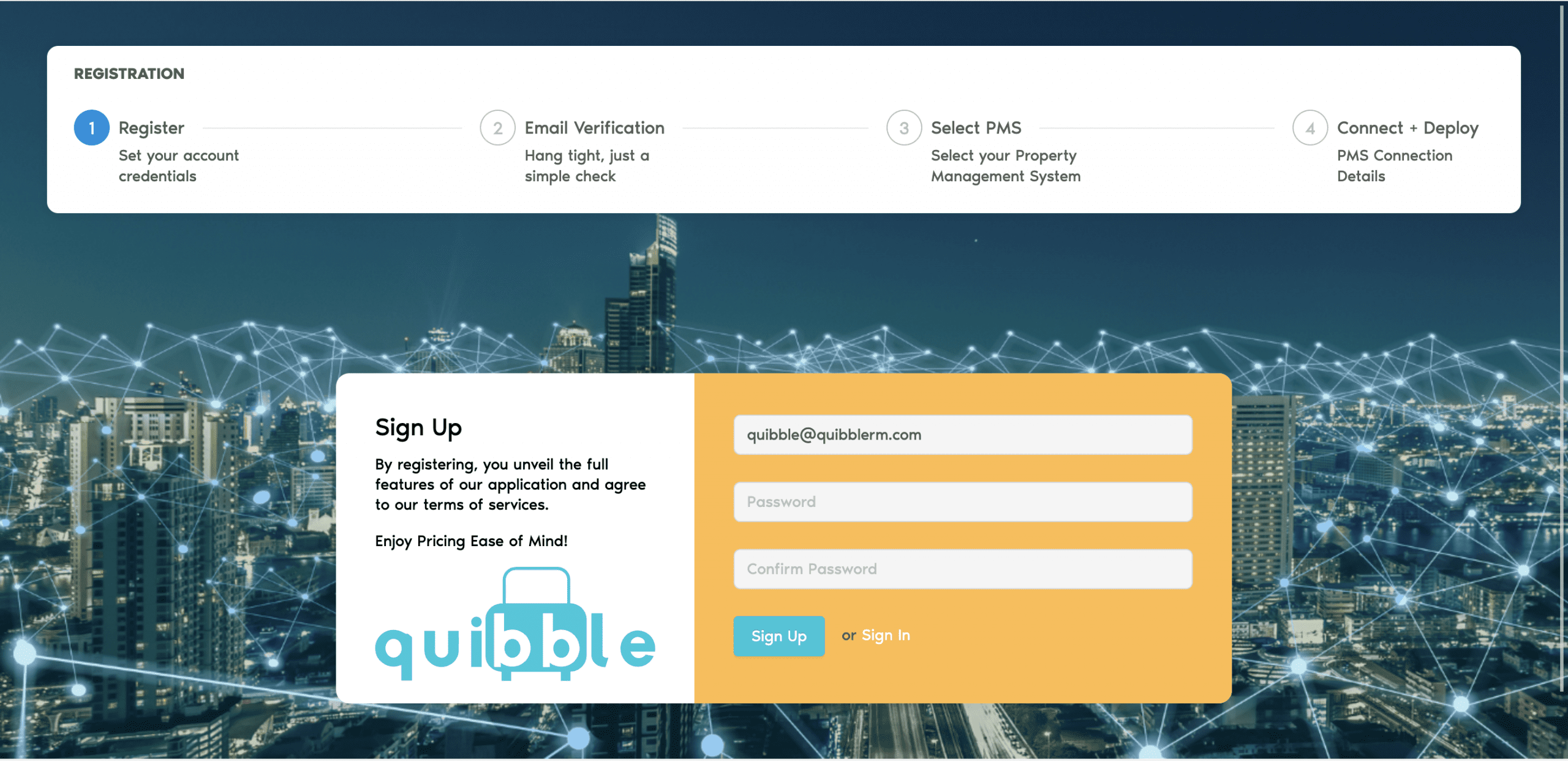
- Validate your email and use the verification link to return to the application
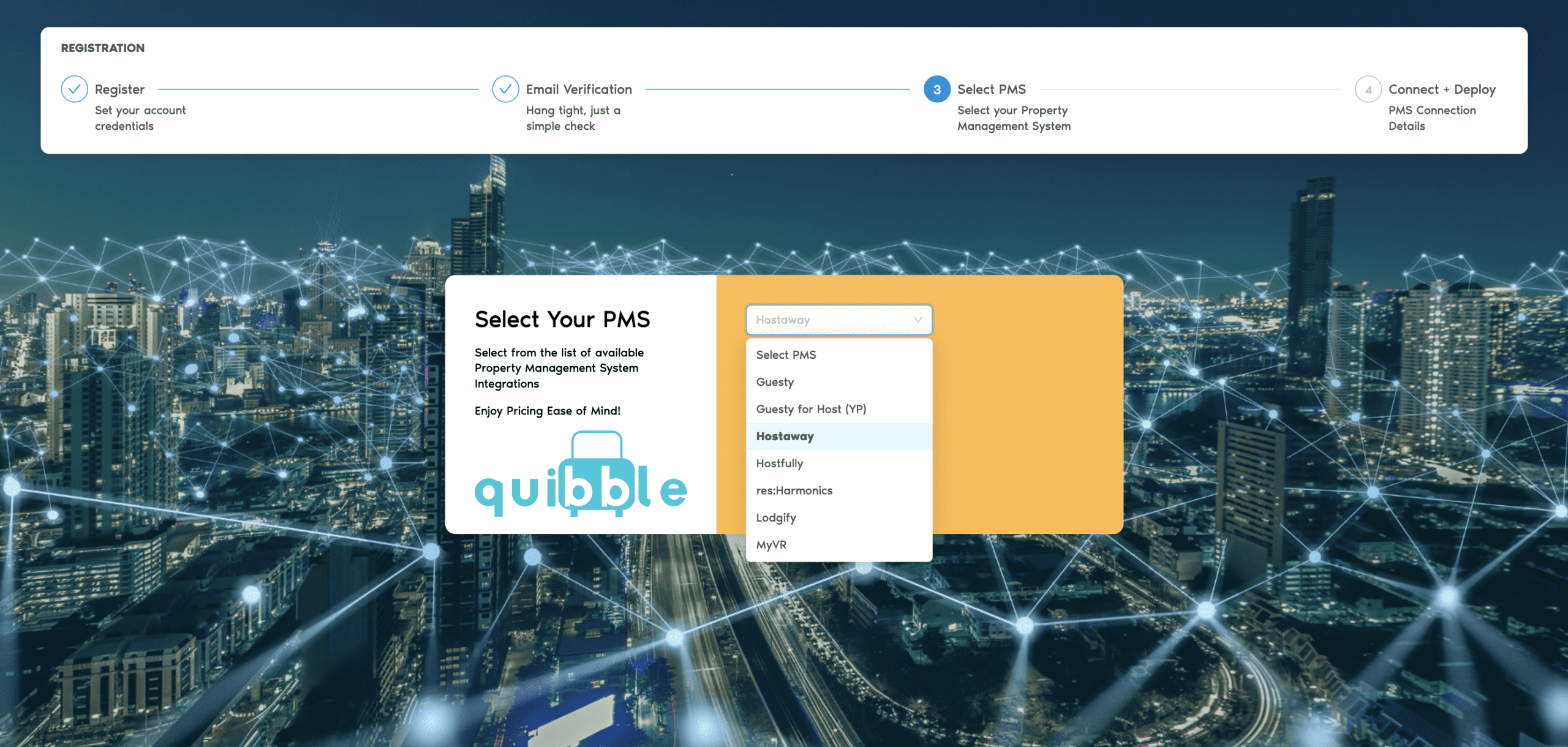
- Select Hostaway from the list of connections available
- Enter the Hostaway Account ID and the API key
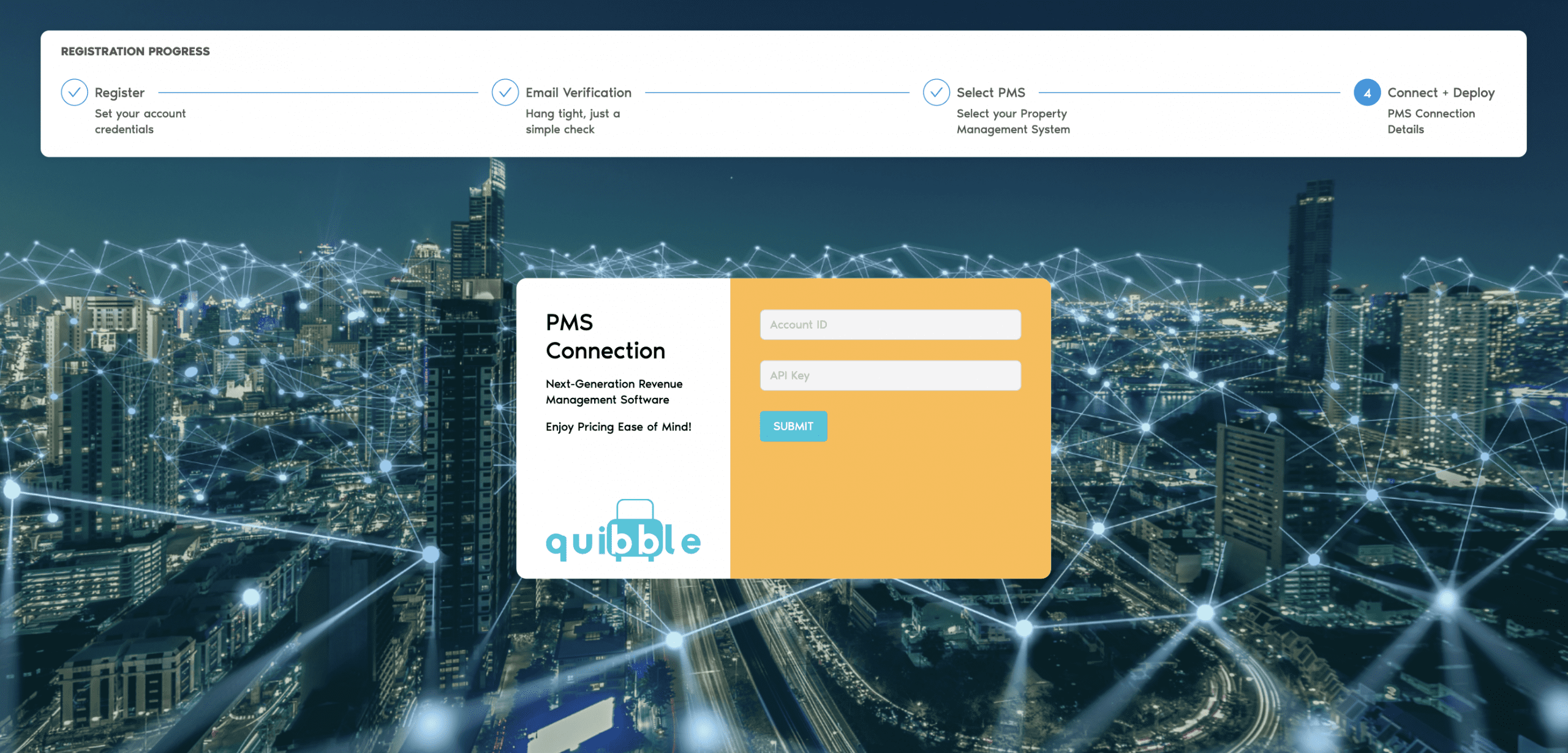
- Click on “Submit”
Congratulations, you are all set! Your account is now connected! If you are interested in understanding and learning more about revenue management basics, such as Revenue Proration and Revenue Capture visit our blog for articles and publications.